The Harper Chrome Extension
Harper is free to use for the > 3.6 billion people out there using Chrome. Unlike other grammar checking plugins out there, Harper's Chrome extension does all of its work offline. We help improve the prose and grammar of your emails, messages, and documents, all while respecting your privacy.
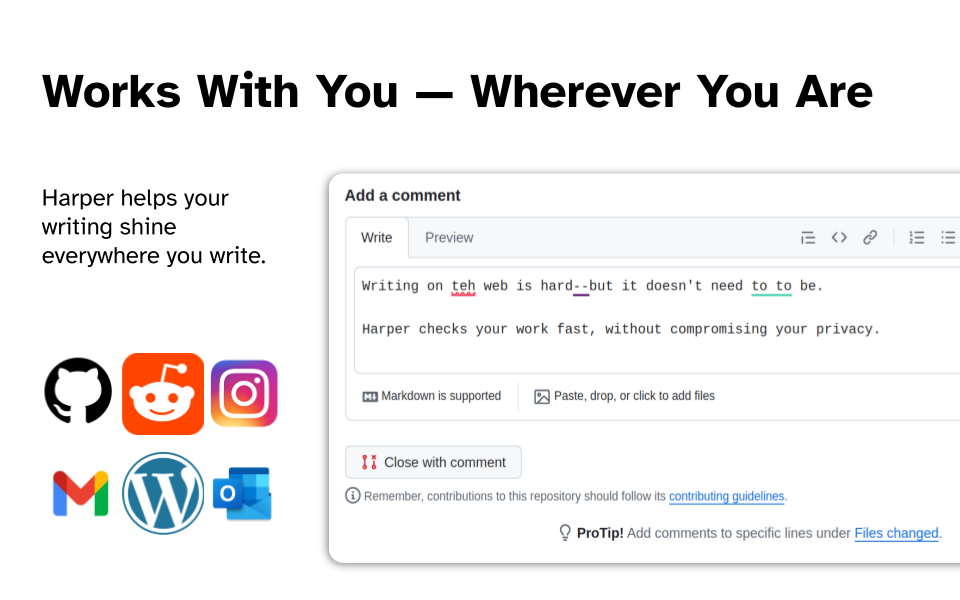
To install it, visit the Chrome Web Store and click 'Add to Chrome'.
For our nerdy friends out there, you'll be happy to hear the Chrome extension is powered by harper.js .
Updating the Extension
We're constantly improving our grammar engine and introducing new features to our Chrome Extension. To get the best experience with Harper, make sure your installation is up-to-date.
Your browser will automatically update the extension to the latest version as soon as it is available. If it is delayed, you can initiate a manual update yourself by:
- Navigating to
chrome://extensions. - Enabling Developer mode using the toggle in the top-right corner.
- Clicking the Update button that appears.
Be advised: Google's review process is often slower than other integrations (for example, Obsidian). This means that Chrome Extension updates are usually delayed by a few days compared to everything else. We appreciate your patience.