Your words never leave your device.
Like the rest of Harper, Harper Desktop runs entirely on your Mac. No cloud round-trips, no telemetry, no account, no LLM in the loop.
Your Mac The cloud
Use Harper Desktop in the apps you use every day such as Mail, Slack, Notes, Pages, and Discord.
Currently in beta.
Jordan2:14 PM
heads up: the deploy is taking alot longer then expected. might push to tommorrow.
Thanks for sending these over, really apreciate the detail. I'll loop in the design team and we can have a draft back to you by friday.
Reserve table at Augusto's for 8 pm. Pick up a cake on the way, noone is allergic to nuts.
rileyToday at 2:14 PM
not sure if its worht shipping yet, the copy still needs another passs imo
If your cursor is blinking, Harper is watching. Harper Desktop hooks into macOS text inputs so the same suggestions follow you across the apps where you write.
...and every other text field on macOS. If you can type in it, Harper helps.
Like the rest of Harper, Harper Desktop runs entirely on your Mac. No cloud round-trips, no telemetry, no account, no LLM in the loop.
Harper runs locally and is built for speed. You get a feedback loop that keeps up with your typing, without waiting for a server.
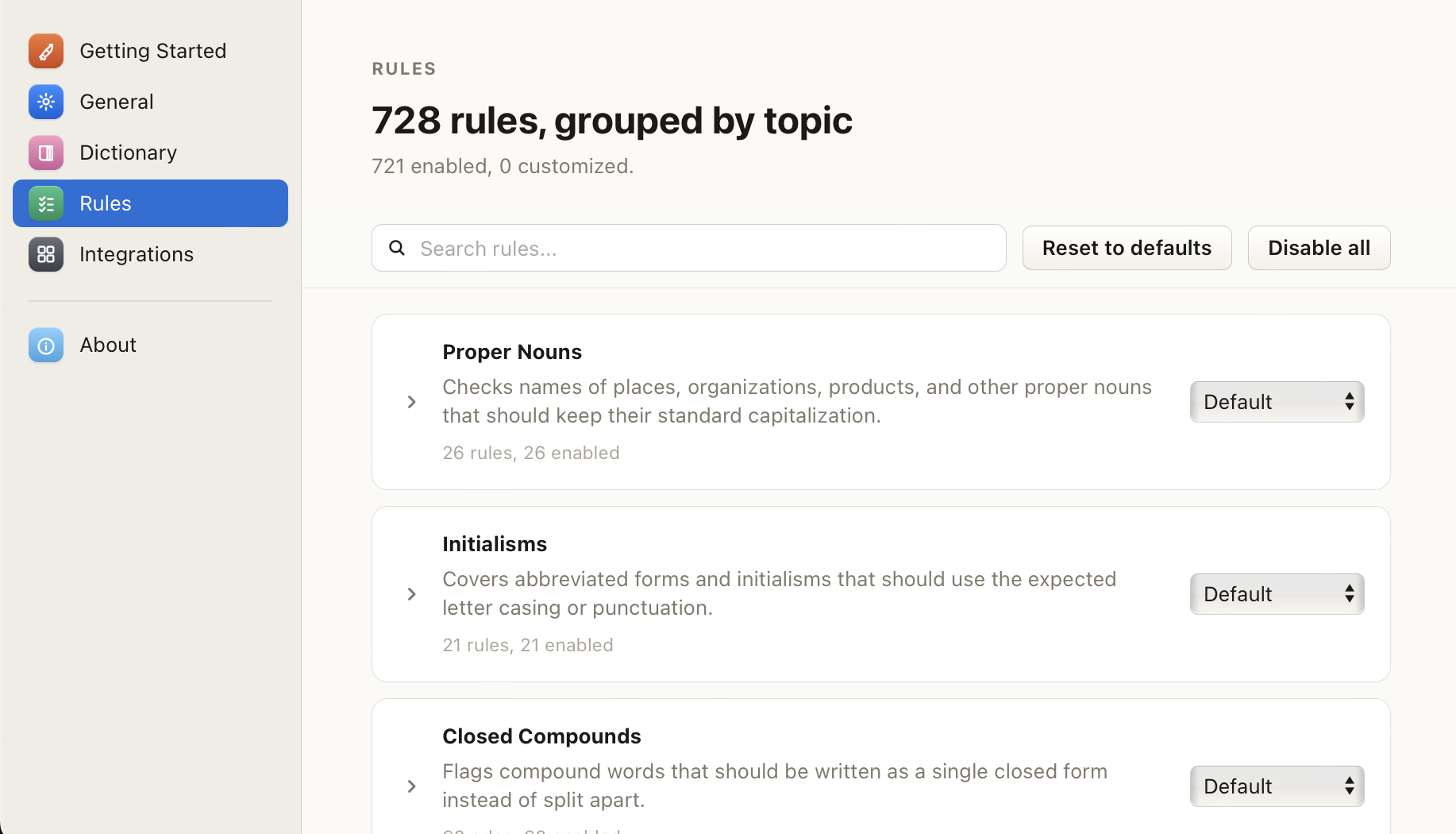
Every rule in Harper is toggleable. Add team jargon, product names, and favorite phrases to your personal dictionary, and they stop being underlined everywhere on your Mac.
Harper Desktop is free, like the rest of Harper. No account or credit card necessary. Download the beta today.
Download for macOSNo. Like the rest of Harper, everything runs locally. No accounts, no telemetry, no snooping servers.
macOS 14 Sonoma or later. Apple Silicon and Intel are both supported.
Yes. Harper Desktop is free, like the rest of Harper. The source is on GitHub under Apache-2.0.
Not yet. We started on macOS to get the system-wide integration right; other platforms are on the roadmap.